Practice a scale
The practice screen runs a scale for you to follow, so you can build the movement into your hands. Open it from the Practice button on any scale.
Set up the drill
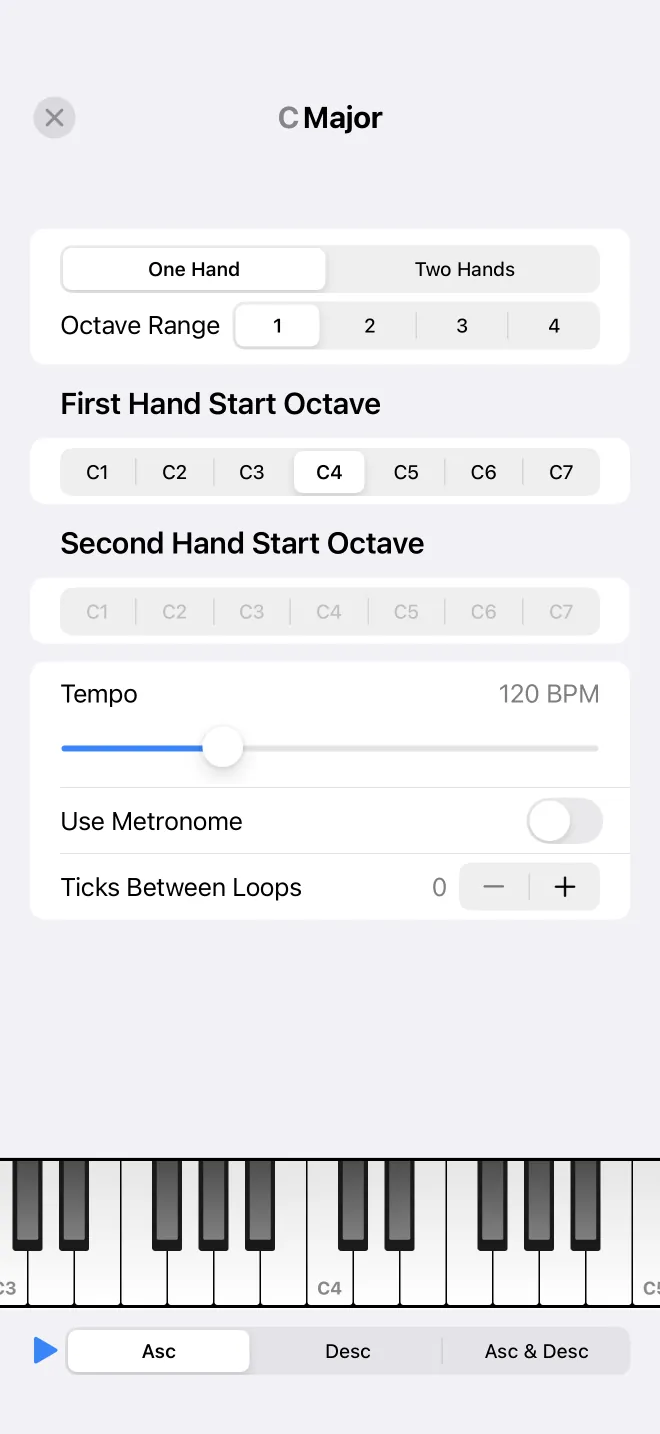
Choose which hands to practise (notes, left, or right), the range of octaves to cover, and the start octave for each hand. A tempo control sets how fast the scale runs.
Run it
Start the drill and the scale plays in time, moving up and down the keyboard shown at the bottom. Follow along on your own keys, or on a connected MIDI keyboard, and raise the tempo or the range as it gets easier.