Composing a song
The Songs tab is a simple composer. You arrange chords into sections, and the app plays the whole thing back. This is the overview. The song view and the section editor have their own chapters.
How composition works here
A song is a list of sections, such as Intro, Verse, and Chorus. Each section holds a sequence of chords. You set the song's key once, then build each section from chords that fit. The app plays the sections in order, so you hear the arrangement grow as you build it.
Start a song
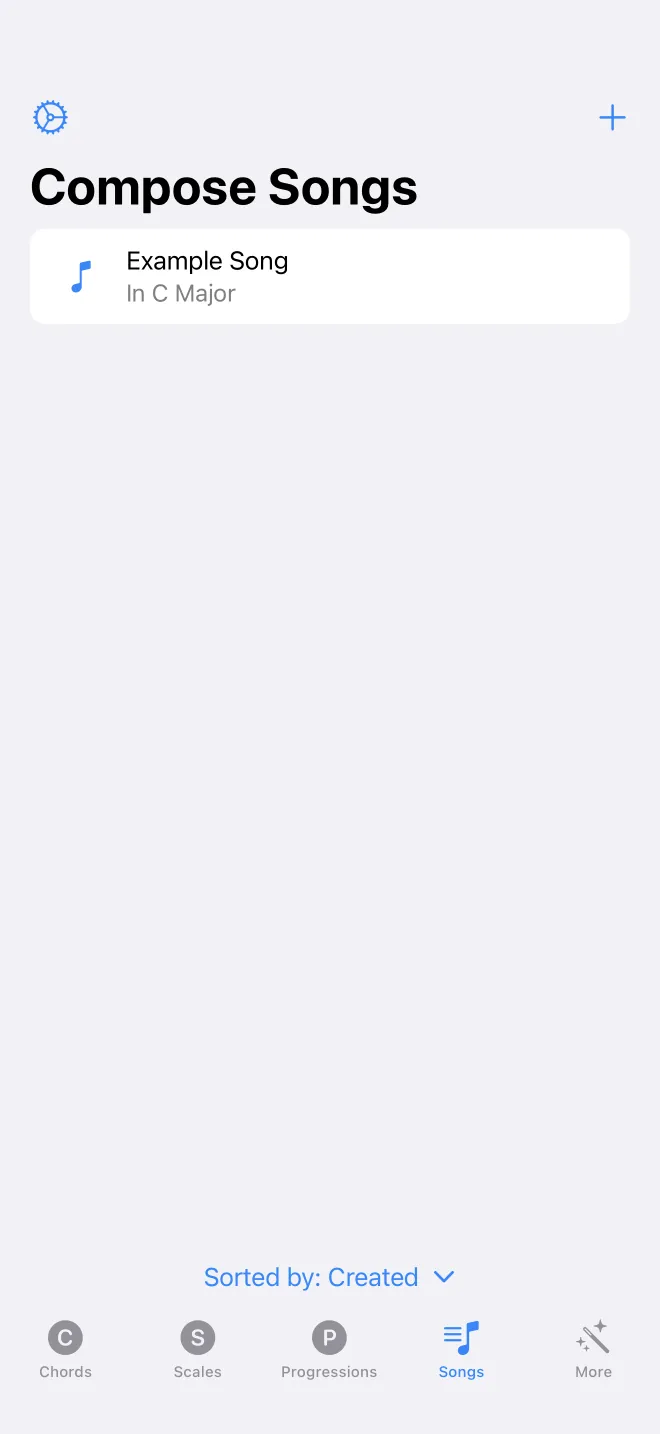
On the Songs tab, tap the plus to create a song. New songs start empty in C major at 120 beats per minute. Your songs are listed with their key. Swipe a row to rename, archive, or share it as a file. Tap a song to open it in the song view.