Play your first chord
This walks through finding one chord and playing it. It also shows how the app presents every chord in two ways at once, on the keyboard and on the staff, which applies to everything else in the app.
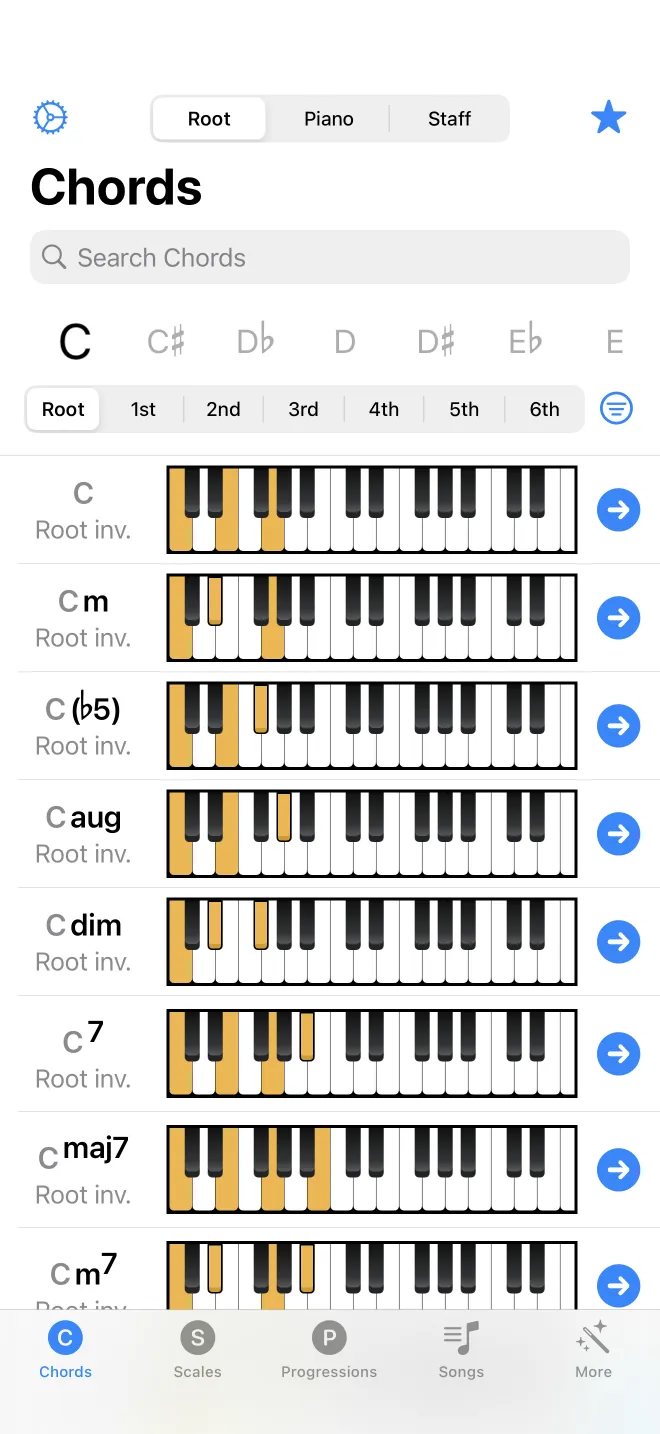
Find the chord
On the Chords tab, set the root note, which is the note the chord is named after: C for C major. Then choose the chord type from the list, such as major, minor, or seventh. The list filters to chords built on that root. You are browsing an existing collection, not entering notes by hand, so you do not need to know the notes in advance.
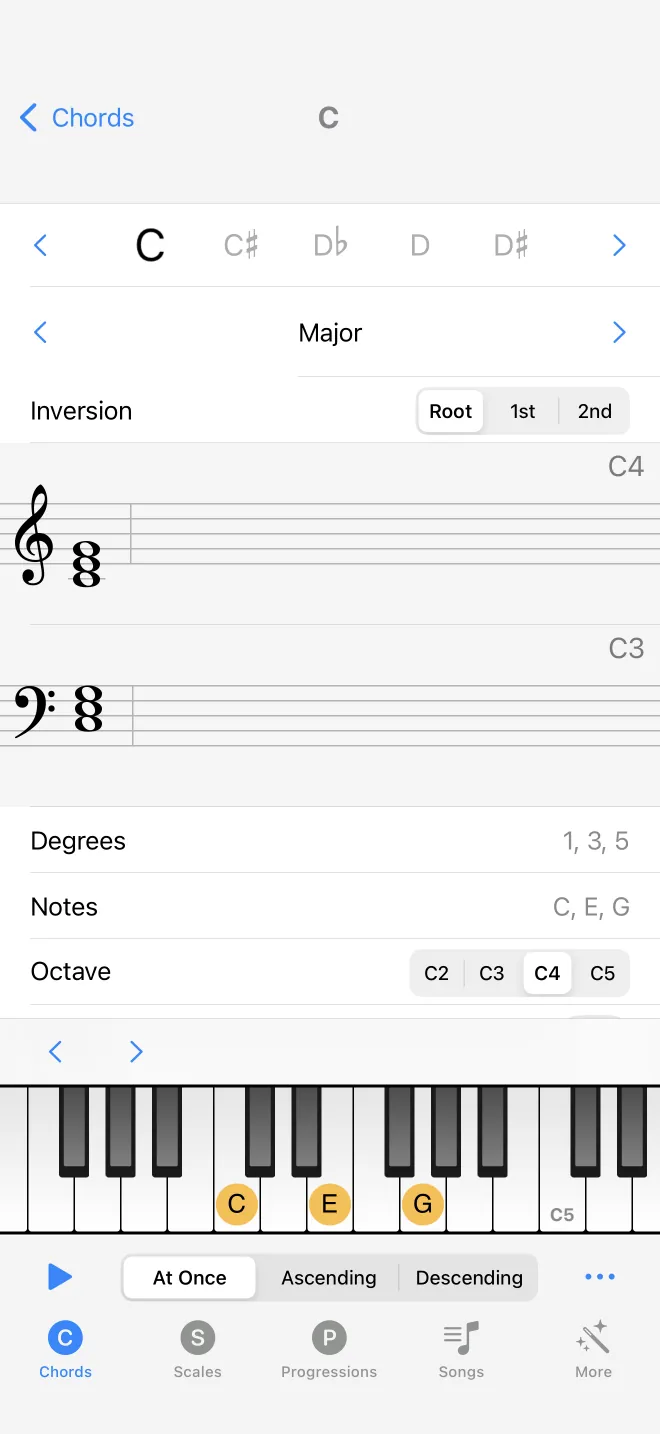
See it and hear it
The chord is drawn on the piano keyboard and on the staff at the same time. The highlighted keys are the notes to press. The staff shows those same notes in standard notation, so you can match one to the other. Tap play to hear the chord. The Autoplay setting, in Settings, plays each chord as you select it, which is useful when comparing several in a row.
To hear how one root produces different chords, change the chord type, or open the chord and turn on inversions.