Find your first scale
Scales use the same layout as chords: set a root and a scale type, and the app shows the notes on the keyboard and the staff. This finds a scale and plays it.
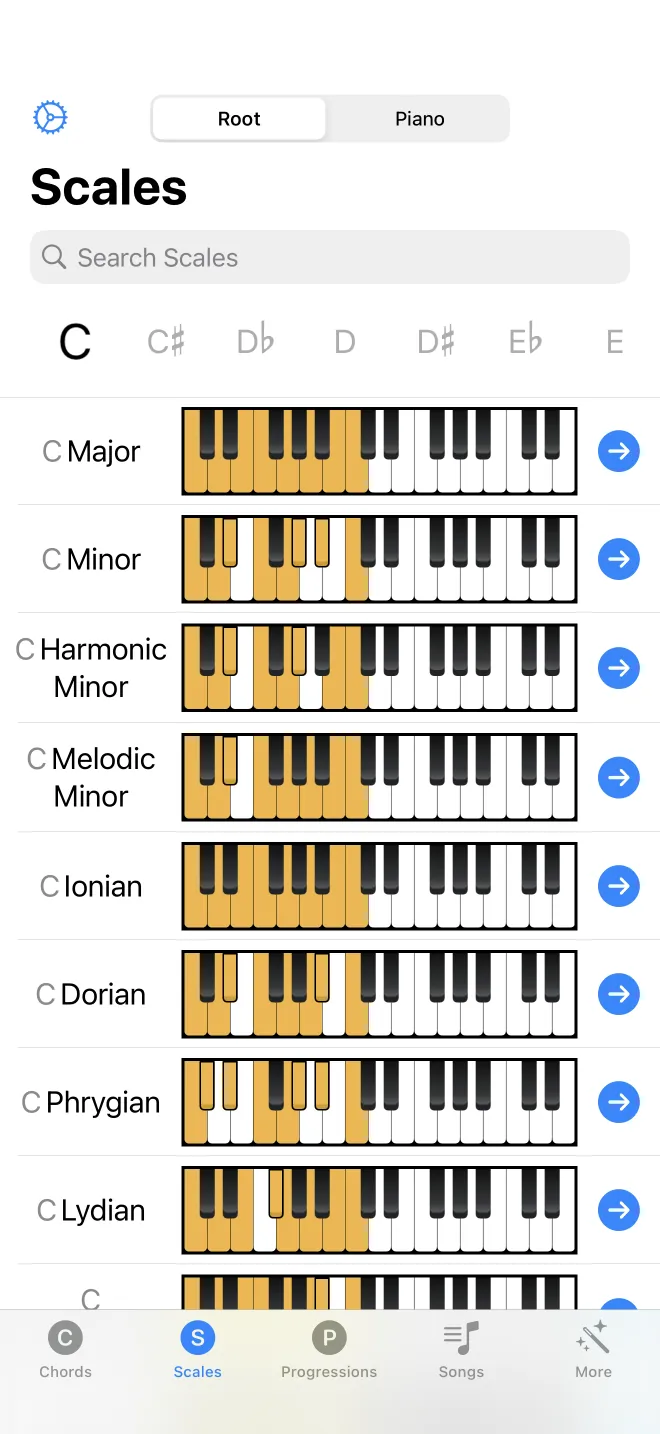
Set a root and a scale
On the Scales tab, set the root note and choose a scale, such as C major. The list filters the same way the Chords tab does. The notes of the scale are drawn on the piano keyboard and the staff at once, from the root upward.
Play it, then open it
Tap play to hear the scale, or press the highlighted keys in order from low to high. Tapping the scale opens a detail screen where you can show fingerings, the finger numbers for each hand. Fingerings are covered in their own chapter.