The chord list
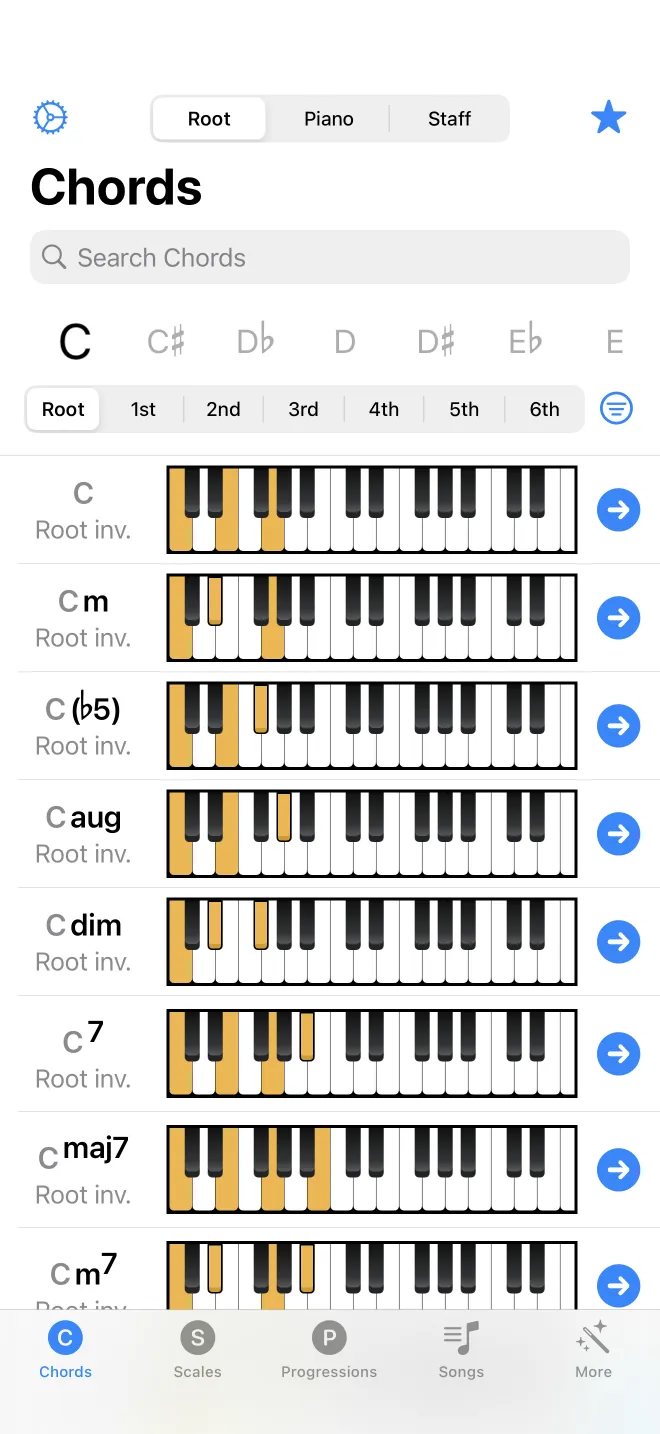
The Chords tab is a searchable list of chords. This describes the ways to look a chord up and what each row shows. The four lookup modes have their own chapters; this is the overview.
Ways to look up a chord
The segmented control at the top switches between three lookup modes: by root and inversion, by piano, and by staff. The magnifying glass in the toolbar adds a fourth: text search. Search accepts a symbol (Cm), a name (C minor), the notes (C E G), or MIDI numbers (60 64 67), and offers each interpretation as a suggestion while you type.
What each row shows
Each result is one chord. A row shows the chord symbol, and below it the inversion. Tap a row to play the chord. Tap the chevron on the right to open its detail screen. Press and hold a row for a menu to add the chord to favorites, copy it, or export it. A locked chord shows a lock icon; tapping it opens the upgrade screen.